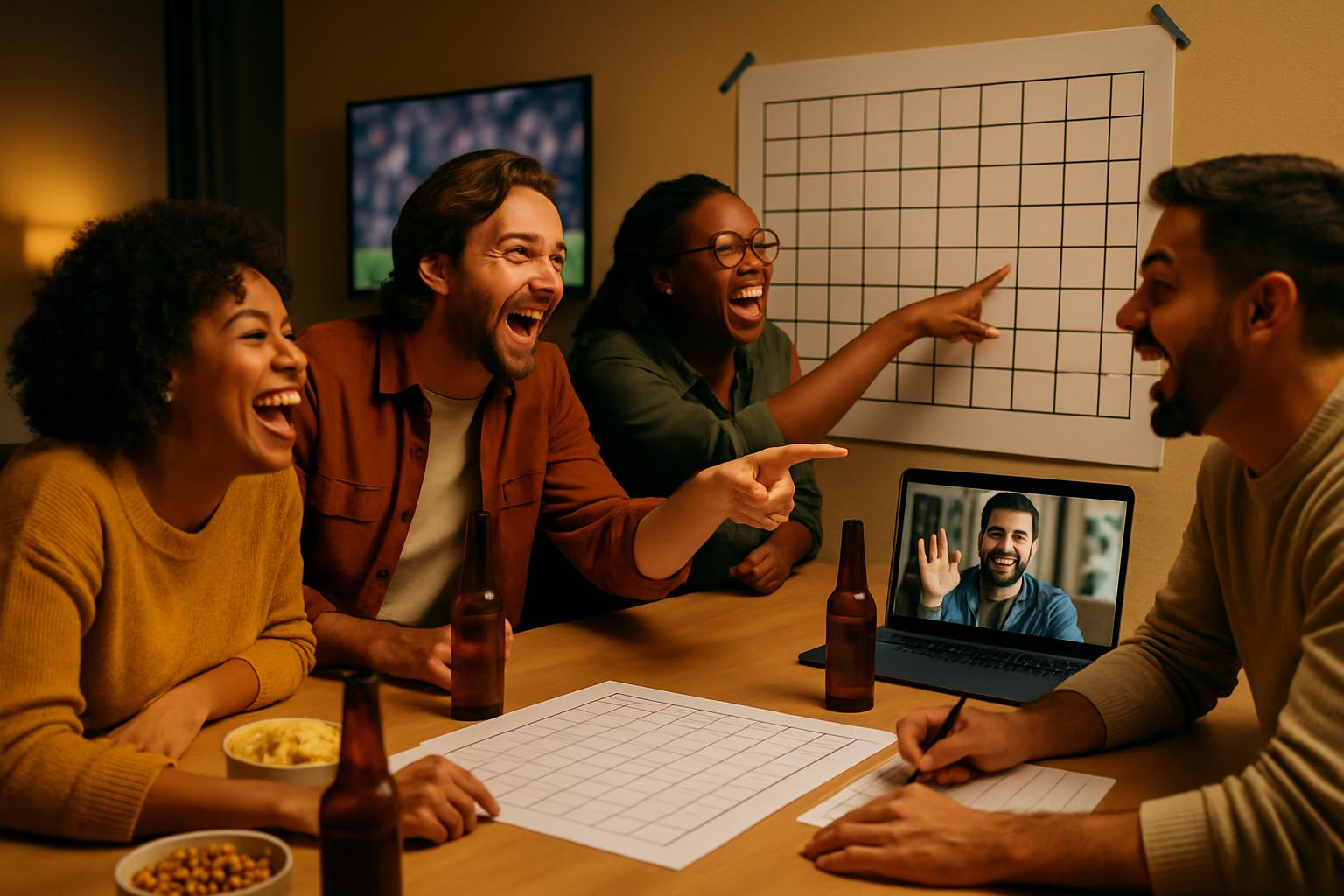
Every January, someone in the office sends the email. You know the one. "Hey, who wants in on squares this year?" And suddenly the person who never talks sports is asking what a "number" means and whether they can trade their 2-5 for something better.
Super Bowl squares might be the single best office tradition in sports. No prior football knowledge required. No fantasy rosters to manage. You pick a square (or get assigned one), watch the game, and maybe win a prize when the score hits your numbers at the end of a quarter. That's it. It brings together the die-hards and the people who are just there for the food, which is exactly what a good office event should do.
But running it well, especially when you have a mix of in-office and remote people, HR policies to think about, and colleagues who "totally forgot to sign up" until Thursday, takes a little planning. Here's how to do it right.
Why Squares Beat Every Other Office Pool
Fantasy football requires weeks of commitment. Bracket pools (great as they are for March Madness) mean nothing if you don't follow college basketball. But squares? You can explain the rules in ninety seconds, and someone with zero football knowledge has the exact same shot at winning as the person who watches RedZone every Sunday.
That accessibility is the whole point. If your office has fifty people, a good chunk of them aren't going to engage with a complicated pool. Squares pulls them in, and that makes the Super Bowl watch party actually feel like a group event instead of a room with two screens and one loud guy explaining playoff seeding.
If you've never organized one before, our beginner's guide to football squares covers the basics of how the game works before you dive into the logistics below.
The No-Money Option (and Why It's Actually Great)
If your company has a policy against gambling, or you'd just rather not deal with collecting cash, run it for free. Seriously. Free squares pools are fun.
Instead of cash prizes, offer something people actually want: a company swag package, a gift card from the office budget, an extra half-day of PTO (clear it with whoever approves that), or even just bragging rights with a cheesy trophy that lives on the winner's desk for the year.
Free-to-play also solves the "pressure to participate" problem. When there's money involved, some people feel awkward opting out. When it's free, participation feels genuinely optional, and you get better turnout.
On PickMySquare, boards are completely free to create. You choose whether to add prize info or leave it blank. The grid, number randomization, and winner tracking all work the same either way.
HR and Legal Considerations Worth Knowing
Office pools sit in a gray area. Most states don't prosecute small-stakes informal pools, but the legal picture varies depending on where your employees are located, especially for remote teams spread across multiple states.
A few things worth thinking through before you send the invite:
Get informal buy-in from your manager or HR before advertising it. You don't necessarily need formal approval for a free pool, but a quick heads-up prevents awkward situations later.
Keep participation voluntary and low-key. Don't post the pool in mandatory team channels or tie it to any work outcomes. The moment it feels like peer pressure, you've created a problem.
Non-cash prizes reduce reporting paperwork. If you run a cash pool, all winnings are technically taxable income, and large payouts can trigger formal IRS reporting requirements. Non-cash prizes sidestep the formal reporting paperwork, though they are still technically income — in practice, small-value prizes rarely raise issues.
Check your company's acceptable-use policies. Some organizations have explicit rules about gambling on company devices or during work hours. If yours does, just remind people to use personal devices.
For most offices running a friendly free-to-play pool, none of this is going to be an issue. But it's worth thirty seconds of thought before you go wide with the invite.
Setting It Up for Hybrid and Remote Teams
This is where a lot of office pools fall apart. Someone prints a paper grid, tapes it to the kitchen wall, and half the team never sees it because they work from home on Tuesdays and Thursdays.
The fix is simple: use an online board with a shareable link.
When you create a board on PickMySquare, you get a unique URL that anyone can open from any device. Send it in Slack, drop it in the team email, text it to the group chat. Remote employees claim their squares the same way in-office people do, no printing required.
For a step-by-step walkthrough of the full setup process, our guide on how to run football squares covers everything from creating the board to locking numbers and announcing winners.
A few practical tips for hybrid setups:
- Set a claim deadline (usually a day or two before the game) so you know when to close the board and reveal the randomly assigned numbers.
- Share the board link in multiple places since people miss Slack messages.
- After numbers are revealed, screenshot the final grid and post it so people have something to reference during the game without opening their laptop at the party.
Handling the "Can I Still Join?" Problem
Someone is going to ask to join after the deadline. Maybe two or three someones.
Here's the honest answer: it depends on where you are in the setup. If you haven't locked the board and assigned numbers yet, adding them is easy. If the numbers are already assigned and the game is six hours away, it gets complicated because you'd need to manually create a new square and assign it.
The cleanest policy is to set a clear deadline, communicate it once when you send the link and once as a reminder the day before, then stick to it. If someone misses the cutoff, they can spectate and root for someone else's numbers. Most people take it fine when the deadline was announced in advance.
If you do want to accommodate late joiners without reopening the full board, some organizers keep one or two squares unclaimed as a "waitlist" buffer. It's not elegant but it works for small teams.
On the Day of the Game
Once the board is locked and numbers are assigned, your job is pretty much done. During the game, check the score at the end of each quarter and the halftime. The winning square is determined by the last digit of each team's score.
For example, if the score at the end of the first quarter is 7-3, whoever holds the square at row 7, column 3 (or the reverse, depending on which team is on which axis) wins that quarter's prize.
PickMySquare highlights winning squares automatically when you enter the score, so you don't have to chase anyone down or do math in your head while trying to watch the game.
Super Bowl Squares Office Pool FAQ
Can I run an office squares pool for free, without collecting money?
Yes, and it's often a better choice. PickMySquare lets you create a board without any entry fee or prize setup. You can offer non-cash prizes (swag, gift cards, PTO) or just run it for fun. Free pools tend to get higher participation because nobody feels obligated.
Is it legal to run a Super Bowl squares pool at work?
Most small informal pools aren't prosecuted, but gambling laws vary by state. If your pool involves cash entry fees, check your state's laws and your company's policies. The safest approach is to run it free-to-play, which removes the legal "consideration" element that most gambling definitions require.
How do I include remote employees in the office pool?
Create your board on PickMySquare and share the link. Anyone can claim squares from any device, and the board updates in real time. No paper grids, no emailing spreadsheets around.
What happens if someone doesn't claim their square before the deadline?
Unclaimed squares are usually assigned to the organizer or left open. Some organizers assign unclaimed squares randomly to whoever wants extras. Decide your policy before you open the board and mention it in the invite so there are no surprises.
How many squares should each person get?
For a 10x10 grid (100 total squares) and a team of around 25 people, four squares per person works cleanly. For larger teams, two squares each. You can also let people claim as many as they want and fill remaining squares yourself to guarantee a full board.
Do I need to know football to run this?
Not really. You need to know the score at the end of each quarter, which is easy to look up even if you're not watching. Everything else, setup, number assignment, winner selection, is handled by the board software.
Set Up Your Office Squares Board in Minutes
Free to create, easy to share with your whole team. Remote coworkers, late arrivals, the coworker who asks "wait, what are we doing again?" every year. Everyone can join from one link.
Create Free Board →